Overview
What is Owney?
Owney is a DeFi agent aggregator. We provide a single entry point to trusted DeFi agents, combining a simple integration experience with flexibility. Learn more on our home page or use Owney yourself in the Owney Web App.
Integration methods
You can integrate Owney in two ways:
- White-label: We manage the application from start to finish for you, so you do not need to worry about technical complexity.
- Owney SDK: We provide the infrastructure you need, and you tailor it to your needs.
White-label
Integrate DeFi agents through our pre-built interface with minimal development effort. The UI can be styled to match your brand and made available in either of two ways:
- Custom domain: Use the white-label as a standalone app hosted on a dedicated custom domain.
- Embedded widget: Embed the white-label in your existing website or application using our iframe-based widget.
Contact your Owney account manager or email support@owney.app to get started with the white-label.
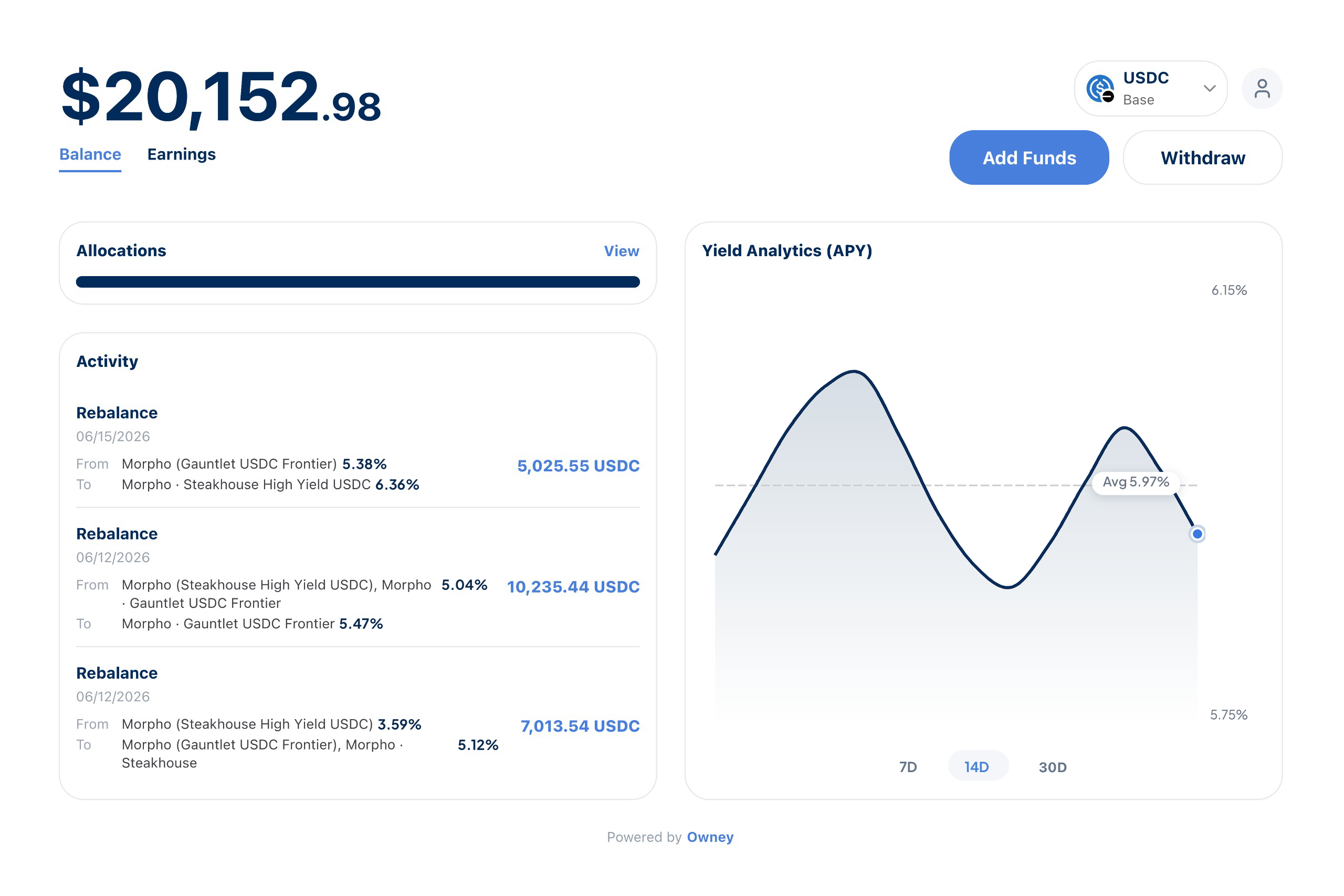
Owney SDK
Build your own interface on top of the Owney SDK for full control over the user experience. The Owney SDK is a TypeScript library that helps you integrate DeFi agents into your application.
The SDK handles:
- Wallet connection
- Smart wallet deployment
- Session key management
- Agent and strategy selection
- Agent execution
- Gasless (sponsored) deposits
- Portfolio and earnings tracking
Supported chains and assets
The SDK provides access to DeFi agents on the following chains and assets:
| Asset | Supported chains (ID) |
|---|---|
USDC | Base (8453) Arbitrum (42161) Ethereum (1) |
WETH | Base (8453) Arbitrum (42161) Ethereum (1) |





Wallet connection
Users interact with DeFi agents through Owney by connecting their own wallet. Agents run on top of the user's wallet. The SDK is non-custodial and does not manage custody of user funds. All interactions are executed through the user's wallet, and the SDK never requires or accesses user private keys.
Each deployed agent creates its own smart wallet or smart account through which all agent actions are executed. This ensures agent interactions remain isolated while still operating on top of the user's connected wallet.
Requirements
To use the SDK, your application must:
- Integrate an EVM-compatible wallet solution (e.g. MetaMask, Privy, Coinbase Wallet, etc.).
- Obtain an EIP-1193-compatible provider from that wallet. See the examples for more information.
The SDK uses the provider to:
- Request wallet connection
- Sign authentication messages (e.g. SIWE, if required)
- Deploy smart wallets (when needed)
- Approve and execute transactions
- Manage session keys for delegated agent actions
Connection flow
- Call
connectonce at the start of a user session. - Use
isConnectedto guard wallet-dependent UI/actions. - Call
disconnectwhen ending the session.
Most SDK methods require an active connection.
Account setup and activation
Use account lifecycle methods to prepare a user for agent execution:
activateAgentdeploys the user smart wallet and initializes session context for one or more chain-compatible agents.getActiveChainIdreturns the current active chain selected byactivateAgent.
Fund operations
Use the fund methods to move capital into and out of agent strategies:
deposit- Deposit into one or all eligible agents. Uses the built-in gasless deposit flow when nodepositCallbackis provided.withdrawapprovePermit2- One-time approval required for gasless WETH deposits.ensureAutoSelectProtocols- Opt an asset into backend protocol auto-selection.
Portfolio monitoring
Use portfolio methods to fetch performance data and account views:
getBalances- Current balances across active agents or for a single agent.getEarnings- Earnings summary.getAccountApy- Weighted APY across the active portfolio or for a single agent.getAllocationApy- Position-weighted APY based on the user's current allocation.getHistory- Transaction and rebalance history.getUserProfile- User-level agent profile data.
Agent performance
Get insights into agent performance. A wallet connection is not required to use this function.
getAgentApy: Overall APY for one or all agents.